A useful utility programme called Samsung FRP Hijacker Tool was created by GSM Hagard to get beyond Samsung Galaxy phones’ FRP (Factory Reset Protection) protection. This programme allows you to unlock FRP in download, dialer, and ADB modes, solve Softbrick issues, and conduct factory resets in just a few simple steps. This tutorial will walk you through downloading the most recent Samsung FRP Hijacker Tool and successfully removing the FRP lock from your Samsung smartphone.
Circumvented using the FRP Hijacker Tool:
On Samsung Galaxy phones, the FRP lock may be circumvented using the FRP Hijacker Tool, which was created with this purpose in mind. After a factory reset, this security feature stops unauthorised access to the device. This utility allows you to remove the most recent you can restore access of your Samsung phone by signing in to a current Google account without using the password.
Fix Softbrick Error and Complete Factory Reset:
The FRP Hijacker Tool can overcome FRP lock and repair Softbrick errors, which are frequent problems that might happen when the device is starting. Additionally, you may use this programme to do a factory reset, which can assist fix many software-related issues and restore your Samsung phone to its initial settings.
FRP may be Unlocked:
Using the Download, Dialer, and ADB modes of the Samsung FRP Hijacker Tool. This programme offers simplicity and versatility when it comes to getting around the FRP lock on your Samsung smartphone, regardless of whether you prefer utilising the download mode, dialer mode, or ADB method.
Key Features:
- The FRP Hijacker Tool was created particularly to get around the FRP lock on Samsung Galaxy phones. By deleting the last active Google account without requesting the password, you can recover access to your device.
- Fix for Softbrick issues: Using this utility, you may repair Softbrick issues that could appear while your Samsung Galaxy phone boots up. This tool aids in addressing typical software-related problems and restores your device’s functioning.
- Factory Reset: You may do a factory reset on your Samsung Galaxy phone with the FRP Hijacker Tool. When you wish to fix software issues and return your device to its default settings, this option is helpful.
- Multiple Modes to Unlock FRP: The tool provides versatility to remove FRP in several modes, including as download, dialer, and ADB modes. This enables you to select the most practical approach in light of your unique requirements and device compatibility.
- User-Friendly design: Even for those with little technical expertise, the FRP Hijacker Tool is simple to use and navigate because to its user-friendly design. The FRP bypass procedure is made simple by the clear instructions and easy structure.
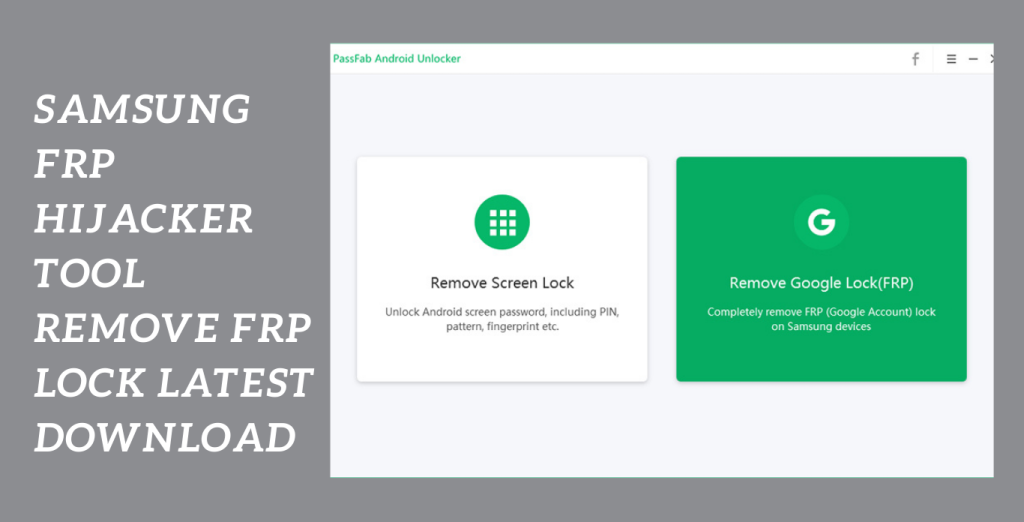
System Requirements:
- Operating System: 32-bit or 64-bit versions of Windows 7, 8, 8.1, or 10.
- Processor: Intel Pentium 4 or more (or similar).
- RAM: For optimum performance, you should have a minimum of 2 GB (4 GB is suggested).
- Storage: The tool installation will require at least 100 MB of free disc space.
- USB port: It is required to connect your Samsung Galaxy phone to a computer.
- USB Driver: Ensure that you have the correct, operating system-compatible USB drivers installed for your Samsung Galaxy phone.
How to Install:
- Download the FRP Hijacker Tool from a reliable source or the Gsm Hagard website. The downloaded file should be saved somewhere on your PC.
- Locate the downloaded file and use a file extraction programme like WinRAR or 7-Zip to extract its contents. A new folder containing the extracted files will be created as a result.
- Find the FRP Hijacker Tool executable file by opening the extracted folder. To start the utility, double-click the file.
- Enable USB Debugging by going to “Settings” > “About Phone” > “Software Information” on your Samsung Galaxy phone and repeatedly tapping the “Build Number” until it reads “You are now a developer.” Return to the default settings and select “Developer Options”.
- Using a USB cord that is suitable, join your Samsung Galaxy phone to your computer. Make sure that your phone is in ADB or download mode.
- Choose the required action, such as “Remove FRP” or “Factory Reset” from the FRP Hijacker Tool interface. Observe the tool’s prompts and instructions that are displayed on the screen.
- Observe the process till it is finished. The FRP Hijacker Tool will carry out the chosen action on your Samsung Galaxy phone. Hold off till the procedure is over. It could take a while.
- Your phone should now be disconnected from the computer when the procedure is finished.
Password: technicalworld.co
Mirror Link!
]]>