Introduction
Marvel GSM Tool 7.4 is a versatile and user-friendly utility designed to address common issues encountered by Android device users. It offers a plethora of functionalities, allowing users to effortlessly manage their devices. Whether you’re struggling with a forgotten password, a Google account lock, or you simply want to customize your device, this tool has you covered.
What Is Marvel GSM Tool 7.4?
Marvel GSM Tool 7.4 is a powerful application that is compatible with Windows PCs. It’s primarily used for erasing Factory Reset Protection (FRP), flashing firmware, unlocking networks, installing languages, and removing password locks, patterns, or PINs. The best part? It’s absolutely free to use!
Features and Capabilities:
Unlocking FRP Locks
One of the standout features of Marvel GSM Tool 7.4 is its ability to bypass FRP locks. FRP locks are a security feature that can be challenging to deal with when you forget your Google account credentials. This tool simplifies the process, allowing you to regain access to your device without any hassle.
Flashing Firmware
Flashing firmware is a common task for device enthusiasts, and Marvel GSM Tool 7.4 excels in this area. You can easily update or reinstall your device’s software, ensuring it runs smoothly and efficiently.
Network Unlocking
Network locking can be frustrating, especially if you’re traveling and need to use a different SIM card. Marvel GSM Tool 7.4 lets you unlock your device, giving you the freedom to choose your preferred network provider.
Language Installation
For multilingual users, language customization is crucial. This tool allows you to add and customize languages, making your device more accessible and user-friendly.
Password Lock Removal
Forgot your device’s password, pattern, or PIN? Marvel GSM Tool 7.4 can help you remove these locks, granting you access to your device once more.
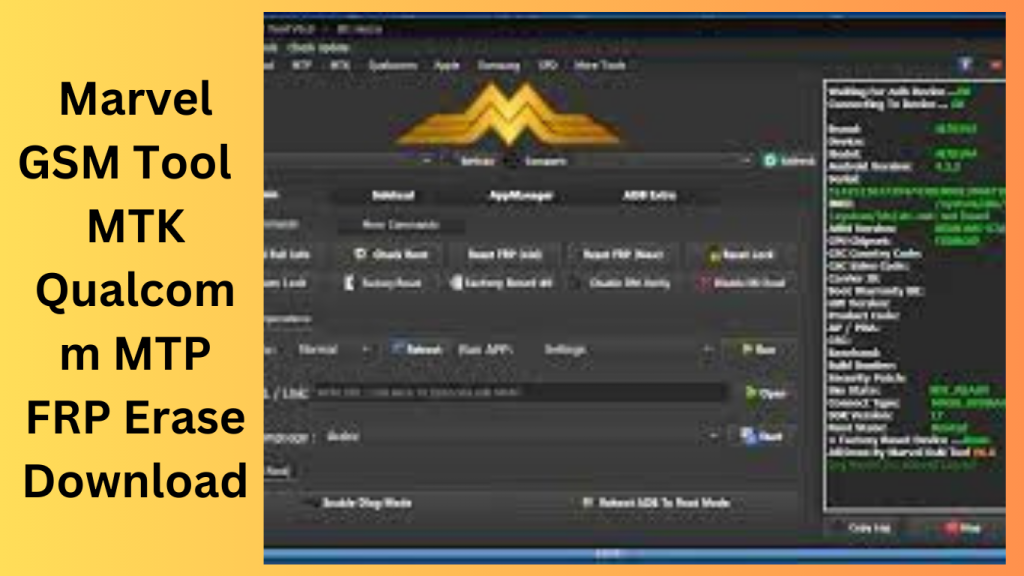
Exploring Fastboot Operations with Marvel GSM Tool 7.4:
Fastboot, a powerful tool for Android devices, allows users to interact with the device’s bootloader. This mode enables various operations such as flashing firmware, unlocking bootloaders, and managing device partitions. Marvel GSM Tool 7.4 provides an array of Fastboot operations, making it an essential tool for Android device enthusiasts. In this guide, we’ll take a closer look at the Fastboot operations available in Marvel GSM Tool 7.4.
Read Info
The ‘Read Info’ operation retrieves vital information about your device, including its model, software version, and other relevant data. This can be useful for diagnosing issues or ensuring compatibility before making changes to your device.
Advanced Info
‘Advanced Info’ takes the ‘Read Info’ operation a step further, providing additional details about your device’s hardware and software components. This in-depth information can be valuable for advanced users and technicians.
Remove FRP Methods:
Marvel GSM Tool 7.4 offers three different methods for removing Factory Reset Protection (FRP), which is a security feature designed to prevent unauthorized access to your device.
- Remove FRP Method 1: This method is one way to bypass FRP locks, allowing you to regain access to your device if you’ve forgotten your Google account credentials.
- Remove FRP Method 2: Method 2 provides an alternative approach to bypass FRP locks, giving you flexibility in case one method doesn’t work for your specific device.
- Remove FRP Method 3: The third method ensures that you have multiple options to bypass FRP, making it easier to recover your device.
Remove FRP for Specific Brands:
Marvel GSM Tool 7.4 extends its FRP removal capabilities to specific brands:
- Remove FRP for Moto: This operation is tailored for Motorola devices, offering a brand-specific solution for bypassing FRP locks.
- Remove FRP for Lenovo: Lenovo device users can utilize this feature to unlock their devices without the hassle of FRP locks.
- Remove FRP for Micromax: Micromax users can remove FRP restrictions using this specific method.
- Remove FRP for Xiaomi: Xiaomi device owners can now bypass FRP locks with ease.
Unlock and Lock Bootloader:
Marvel GSM Tool 7.4 enables you to unlock and lock the bootloader of your device. Unlocking the bootloader allows you to install custom recovery, custom ROMs, and other modifications. Locking it enhances security, preventing unauthorized access.
Erase Operations:
Various erase operations are available to manage specific device partitions:
- Erase Data: This operation wipes user data on your device, making it useful when selling or recycling your device.
- Erase System: Erasing the system partition can be necessary when upgrading or reinstalling your device’s operating system.
- Erase Cache: Clearing the cache partition can help resolve issues related to app performance and system stability.
- Erase Recovery: Erasing the recovery partition can be helpful when installing custom recoveries or resolving issues related to stock recovery.
- Full Erase: This operation wipes the entire device, offering a fresh start.
Reboot Operation:
Marvel GSM Tool 7.4 also provides options for rebooting your device into specific modes:
- Reboot to EDL: Reboot your device into Emergency Download (EDL) mode, which is essential for device recovery.
- Reboot RUU: Reboot your device into the RUU mode, allowing you to perform updates or repairs.
- Exit Fastboot: Exit the Fastboot mode and return to normal device operation.
Compatibility with Android Devices
Marvel GSM Tool 7.4 supports an extensive range of Android devices, including popular brands like Huawei, Vivo, Oppo, Moto, Xiaomi, LG, Samsung, Umax, ANS, Tecno, and Infinix. It’s a versatile solution that caters to a wide audience.
Modes of Operation
To ensure that it can work with a variety of device conditions, Marvel GSM Tool 7.4 operates in four different modes:
ADB Mode
This mode is ideal for devices that are accessible through Android Debug Bridge. It’s a common mode for developers and technicians.
Fastboot Mode
Fastboot mode is perfect for dealing with devices in bootloader mode. It’s commonly used for flashing firmware and unlocking bootloaders.
MTP Mode
Media Transfer Protocol mode is useful for managing files on your device. It’s particularly handy for transferring media files.
EDL Mode
EDL (Emergency Download) mode is employed for unresponsive devices, allowing you to recover them.
Ease of Use:
Marvel GSM Tool 7.4 prides itself on its user-friendly interface. You don’t need to be a tech expert to navigate and utilize its features.
Safety and Reliability
The tool is safe and reliable, ensuring that your device remains intact during the processes. It’s an excellent choice for those who want to maintain the integrity of their devices.
Frequently Asked Questions (FAQs)
- Q1: Is Marvel GSM Tool 7.4 safe to use on my Android device? A1: Yes, it’s a safe and reliable tool when used as instructed.
- Q2: Do I need any technical knowledge to use this tool? A2: No, Marvel GSM Tool 7.4 is designed for both beginners and experienced users.
- Q3: Can I use Marvel GSM Tool 7.4 on a Mac computer? A3: No, it is compatible with Windows PCs.
- Q4: Is this tool really free to use? A4: Yes, Marvel GSM Tool 7.4 is completely free, making it a cost-effective solution for managing your Android devices.
- Q5: Where can I get Marvel GSM Tool 7.0? A5: You can access the tool by visiting:
Get Access Now:
Download Link!
]]>
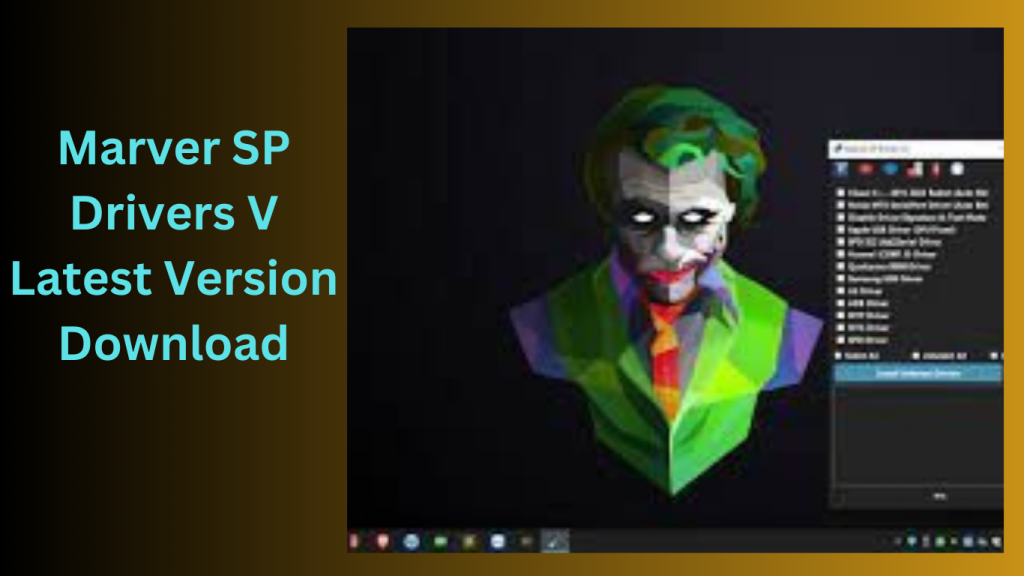
Marver SP Drivers I advise going to the software’s official website or the manufacturer’s website to get Marvel SP Drivers V7.4 or any other programme. Find the correct drivers for your particular smartphone model in the downloads or support area.
Once you have downloaded the drivers, follow these general steps to install them:
- Utilise a USB cord to link your smartphone to your PC.
Run the installer file (often an EXE or INF file) in the extracted driver folder.
Please be aware that the installation procedure might change based on the driver in question and your operating system.
Furthermore, be careful while downloading drivers from third-party websites since they can be obsolete or include viruses.
Key Features:
- The “Visual C++ 2015-2022 Redist (Auto Bit)” distributable package includes the Microsoft Visual C++ runtime library. Executing programmes written in the C++ programming language is crucial.
- According to the “Auto Bit” function, the package may automatically determine the system architecture (32-bit or 64-bit) and install the appropriate version in compliance.
- It enables the serial port connection between the computer and the Nokia device.
- The capacity of the driver to automatically adjust to the system architecture is most likely what the “Auto Bit” feature alludes to.
- A feature called “Disable Driver Signature & Test Mode” turns off Windows’ need that drivers be digitally certified.
- Users and developers may test and create drivers without requiring digital signatures thanks to Windows’ “Test Mode” feature.
How To Use:
- Using the URL given in the beginning, you must first download the file.
- The next step is to remove every file from the C: disc (this is crucial).
- By tethering the phone to the internet, you may test any function.
- Enjoy !!!
Password: technicalworld.co
Download Link!
]]>