Blackw0rm Unlocker iCloud Bypasser Software v1.1 Free Tool Software to unlock iCloud using Blackw0rm The incredibly potent Blackw0rmUnlocker iCloud Unlock programme can bypass the iCloud activation lock on iPhones 12, 13, and 14. You may access this free programme without creating an account since it is free. It was created especially for Windows PCs and offers a signal-free untethered bypass option.
Key Features
- On iOS versions 12, 13, and 14, the app can get around the iCloud activation lock.
- You can then use your phone once again after regaining access to it.
- This implies that even without a SIM card or Wi-Fi connection, you may still use your smartphone.
- Jailbreak assistance: The programme comes with the jailbreak tool iRa1n, allowing you to utilise Cydia on your device.
- This gives you access to many apps and customizations that are not accessible in the App Store.
- Support for Windows Environment: The Blackw0rm Unlocker is accessible to a wide range of users because it was created especially for Windows PCs.
- It is cost-free and easy to use: You don’t need to register to use the programme, which is free. It is also easy to use, with on-screen instructions that walk you through unlocking your smartphone.
Changelog!!!
Supported Windows Environment
- launch of a bug fix
- There is also the iRa1n Jailbreak.
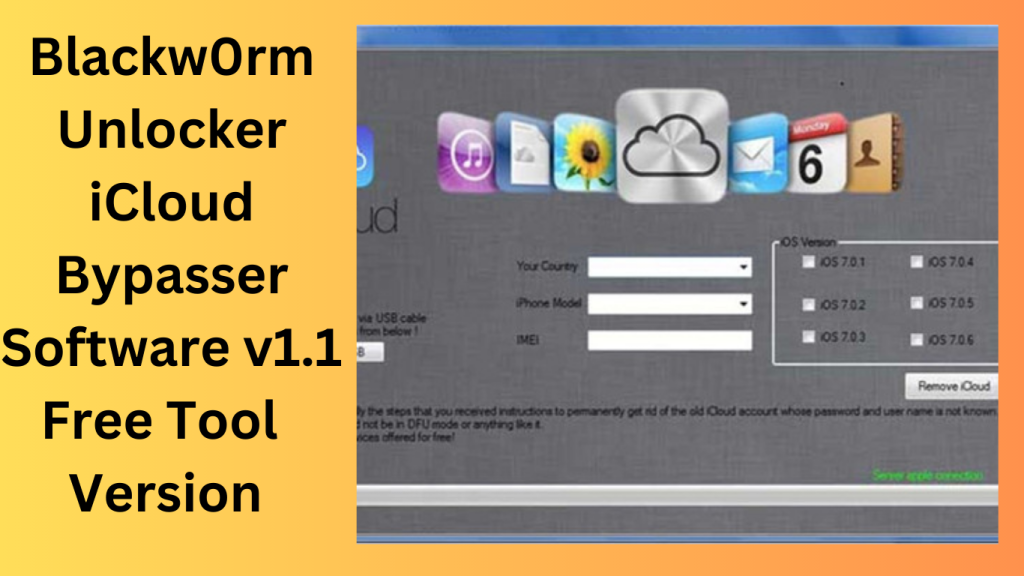
What’s New
- Recent updates reportedly focus on software stability improvements,
- compatibility adjustments, and user interface refinements.
- Users should always verify changes through official documentation and ensure that any device-management activities comply with applicable laws,service terms, and ownership requirements.
Pros and Cons
Pros
- Simple user interface
- Lightweight installation package
- Regular software updates (if actively maintained)
- Designed to streamline device-management workflows
Cons
- May raise legal, ethical, or policy concerns depending on usage
- Compatibility can vary across devices and software versions
- Limited official support information may be available
- Users should carefully verify legitimacy and security before installation
How Do I Use?
- Utilise the Blackw0rm Zip archive to download.
- On your computer, install the NET Desktop Runtime 6.0.14 libraries.
- Connect your iPhone or iPad to your PC using USB.
- Install Jailbreak on your smartphone and adhere to the on-screen directions.
- Set the DFU Mode on your iPhone.
FAQs
- What is Blackw0rm Unlocker iCloud Bypasser Software?
- It is software that is often discussed in connection with iOS device access and management. Users should research its intended purpose and ensure compliance with all applicable laws and platform policies.
- Is it safe to use third-party device-management tools?
- Safety depends on the software source, developer reputation, and how the tool is used. Downloading software only from trusted sources is recommended.
- Will it work on all Apple devices?
- Compatibility varies based on hardware models, software versions, and developer support.
- Should I verify device ownership before using any device-management software?
- Yes. Users should only manage devices they own or are authorized to service.
Conclusion
When evaluating any third-party device-management utility, it is important to consider security, reliability, legality, and long-term support. Always review official documentation, verify software authenticity, and ensure that any actions taken comply with applicable laws, manufacturer policies, and device ownership requirements.
Password: technical world.co
Download Link!
]]>
WMT Team Ramdisk V6.2.1 iCloud Bypass Tool In this digital age, smartphones have become integral to our lives. They store our memories, connect us to the world, and house important data. However, what happens when you forget your passcode or your device gets locked? That’s where the World Mobile Windows Ramdisk Tool V6.2.1 comes to the rescue. This article will explore this paid tool’s capabilities, how it bypasses passcodes, disables Meid/GSM without jailbreak notifications, and what it means for iCloud services and sim calls. Let’s dive in.
Understanding the World Mobile Windows Ramdisk Tool:
What is it?
The World Mobile Windows Ramdisk Tool V6.2.1 is a powerful software designed to unlock and regain control of your iOS device. This tool is compatible with Windows computers and offers a solution to various device-related issues.
Bypassing Passcodes
One of the standout features of this tool is its ability to bypass passcodes. Whether you’ve forgotten your passcode or are locked out of your device, this tool can help you regain access without the need for a complicated jailbreaking process.
Disabling Meid/GSM without Jailbreak Notifications
This tool offers a discreet solution for users looking to disable Meid/GSM without attracting unwanted attention through jailbreak notifications. It allows you to achieve your goal without raising any red flags.
iCloud Services and Sim Calls
The World Mobile Windows Ramdisk Tool V6.2.1 also affects iCloud services and sim calls. We’ll delve into these aspects below:
iCloud Services
When you use this tool, it’s important to note that it may have an impact on your iCloud services. Make sure to back up your data before proceeding, as this process could affect the synchronization of your device with iCloud.
Sim Calls
While the tool works wonders in many aspects, it’s essential to understand that it may impact sim calls, except for the carrier locked to your device. This means that you might face some limitations in making calls depending on your carrier.

How to Use:
Using this tool is relatively straightforward. Here are the basic steps to get you started:
- Download: Access the tool from the official source to ensure authenticity and security.
- Installation: Install the software on your Windows computer.
- Connect Your Device: Connect your iOS device to your computer using a USB cable.
- Launch the Tool: Open the World Mobile Windows Ramdisk Tool V6.2.1.
- Follow On-Screen Instructions: The tool will guide you through the process, so follow the on-screen instructions carefully.
- Wait for Completion: Be patient as the tool does its work. It may take some time, depending on your device and situation.
- Access Restored: Once the process is complete, your device should be unlocked and ready to use.
Conclusion:
The World Mobile Windows Ramdisk Tool V6.2.1 is a valuable solution for those who find themselves locked out of their iOS devices. It offers a simple and effective way to bypass passcodes, disable Meid/GSM without jailbreak notifications, and regain control of your device. However, it’s crucial to use it responsibly, considering its potential impact on iCloud services and sim calls. Always back up your data before using such tools to avoid data loss.
FAQs:
- Is the World Mobile Windows Ramdisk Tool V6.2.1 safe to use?
- Yes, the tool is safe to use when obtained from the official source. Be cautious of downloading it from untrusted websites.
- Can I use this tool on a Mac computer?
- No, this tool is designed specifically for Windows computers.
- Will using this tool erase my data?
- While the tool aims to preserve your data, it’s always recommended to back up your device before using it to avoid any potential data loss.
- Does this tool work on the latest iOS versions?
- The tool’s compatibility with the latest iOS versions may vary. Check for updates and user reviews for the most accurate information.
- What should I do if I encounter any issues while using the tool?
- If you encounter any problems or have questions about using the tool, refer to the official documentation or seek assistance from their support team.
Password: technical world.co
Download Link!
]]>