 Posted by
 Antivirus One Pro 3.4.4 for MacOS

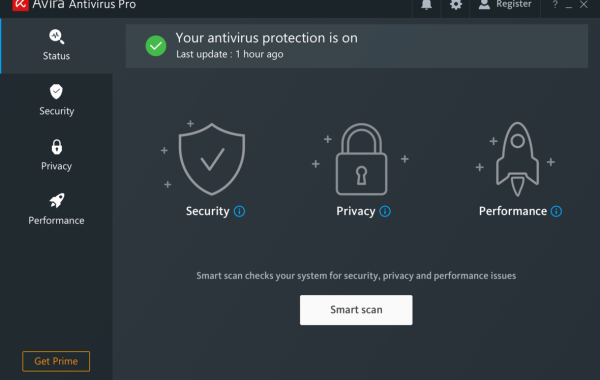
Antivirus One Pro is a powerful security and system-protection tool designed to safeguard your computer against viruses, malware, spyware, ransomware, and other online threats. Developed to offer real-time protection with an easy-to-use interface, it helps users maintain a clean, secure, and optimized system without requiring deep technical knowledge.
The software continuously scans your device, blocks suspicious files, and detects harmful activities before they can damage your system. It also includes useful tools such as system cleanup, privacy protection, and performance optimization—making it more than just an antivirus solution.
Whether you use your computer for work, browsing, online banking, or entertainment, Antivirus One Pro provides a reliable layer of defense and ensures your data stays safe. With fast scanning, automatic updates, and a lightweight design, it’s ideal for both casual users and professionals who want a smooth and secure computing experience.
Key Features:
- Real-Time Protection: Continuously monitors your system and blocks viruses, malware, spyware, ransomware, and other harmful threats before they can cause damage.
- Advanced Malware Detection: Uses powerful scanning technology to detect hidden threats, suspicious files, and malicious behavior across your system.
- Ransomware Shield: Identifies and prevents ransomware attacks to protect your personal files, documents, and sensitive data.
- Web Protection: Warns you about dangerous websites, phishing links, and unsafe downloads.
- Privacy Protection Tools: Helps secure your personal data, remove tracking cookies, and block unauthorized access to sensitive information.
- System Cleanup & Optimization: Removes junk files, unwanted programs, and system clutter to improve your device’s performance.
- Automatic Updates: Keeps virus definitions up to date, ensuring your system is always protected against new and emerging threats.
System Requirements:
- OS: Windows 10 (64-bit) / macOS 10.12 or later
- Processor: Intel Core i3 or equivalent
- Memory: 4 GB RAM
- Storage: 500 MB of free disk space
- Internet: Required for updates and cloud-based scanning
Install on macOS:
- Open the Mac App Store: On your Mac, open the App Store. Search for Antivirus One Pro.
- Download the App: Click Get or Install. Enter your Apple ID password if prompted.
- Open the Application: Once downloaded, open the Applications folder. Click on Antivirus One Pro to launch it.
Learn more about Shadow Defender Final’s features in our guide.